Home / Customer Stories HeyVigo PAGE CENTER
Find a clear production path in Customer Stories Explore video production scenarios for short drama, marketing, ecommerce, social media, agencies, and small businesses.
CUSTOMER STORIES Drama Marketing Commerce Social Teams OVERVIEW Customer Stories organizes production scenarios by content type so teams can compare workflows, inputs, and outputs.
CAPABILITY MAP Explore stories by content type 6 direct child pages explain inputs, outputs, boundaries, and next steps.
CHOOSE YOUR PATH Start with the content type, then explore a production scenario Choose the closest task or scenario to see the matching entry.
AI Short Drama Stories Marketing Video Stories Ecommerce Video Stories Social Media Video Stories Agency Stories Small Business Stories
AI Short Drama Stories AI Short Drama Stories Explore the production workflow, inputs, and outputs for AI Short Drama Stories.
View AI Short Drama Stories INPUT TO OUTPUT From inputs to a reviewable result Every entry explains its inputs, path, and next step.
INPUT Choose a content type Start with short drama, marketing, ecommerce, social media, or a team scenario.
ROUTE Review the production flow Compare tasks, team responsibilities, inputs, and expected outputs.
NEXT Continue to the relevant entry Move into the matching product, creation, or contact page.
WORKFLOW Continue in four steps Continue once each step has the minimum information it needs.
01 Identify the content type Choose the entry that best matches the current task.
02 Review the goal Define the team, inputs, outputs, and delivery goal.
03 Confirm boundaries Review input requirements, output forms, and limitations.
04 Continue Move into a product, creation, or support flow.
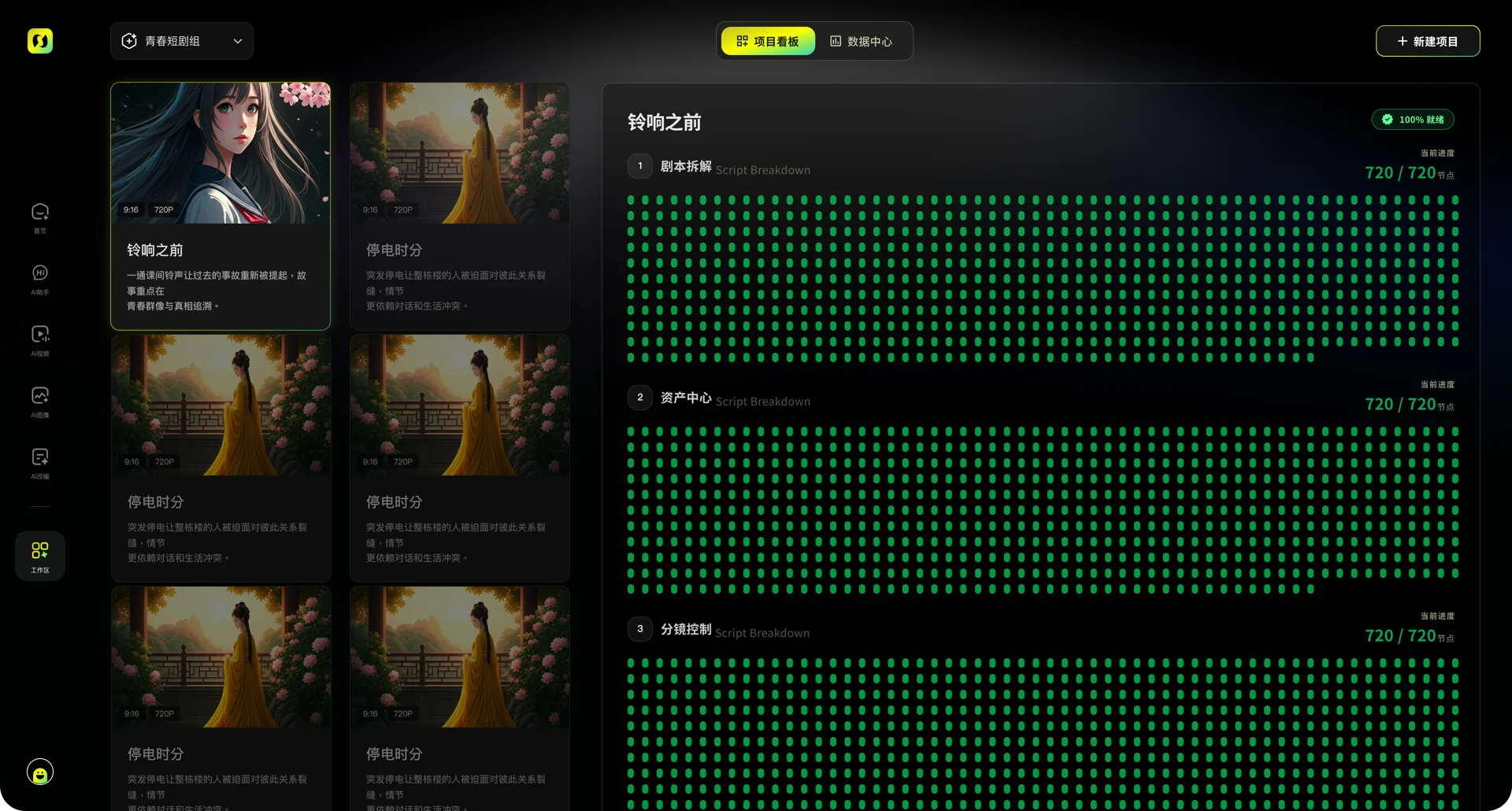
PRODUCT EVIDENCE Capabilities return to project production Product interfaces show how capabilities enter tasks and projects.
WORKSPACE VIEW Customer Stories workspace Shows how inputs, tasks, and results are organized.
OUTPUT VIEW Customer Stories result Shows how results can be previewed and continued.
CONTINUE EXPLORING Continue into related production workflows Related entries preserve the current task context.
FAQ
Customer Stories FAQs Which categories are included? + The direct categories cover short drama, marketing, ecommerce, social media, agencies, and small businesses.
How should I choose a category? + Choose the closest content type, team role, and production workflow.
What can I learn from a category? + Each page explains scenarios, production flow, and relevant product entries; it shows an honest empty state when no approved customer story is available.
Can I continue into creation? + Yes. Continue through the existing creation entry; the story page does not start a duplicate generation.
How can I contact the team? + Use the contact page to describe the team, production task, and collaboration need.
CHOOSE A PRODUCTION STORY Continue from Customer Stories Choose the page that matches the current task, then continue into creation or a project.
Start creating