Movie Trailers and Proof-of-Concept Videos
Turn a screenplay, pitch, or treatment into a cinematic trailer. Visualize key moments, establish the tone, and give collaborators something concrete to review.
Turn an idea, outline, or finished script into a structured AI movie project. Plan the story, organize characters and visual references, generate cinematic shots, and review every version in one production workspace.
Turn a screenplay, pitch, or treatment into a cinematic trailer. Visualize key moments, establish the tone, and give collaborators something concrete to review.
Organize recurring characters, locations, episodes, and shots inside one project structure. Reuse approved assets and review each episode without separating the production across unrelated tools.
Experiment with illustrated, anime-inspired, fantasy, science-fiction, surreal, or other visual directions. Reference images can help communicate the intended design more clearly than style descriptions alone.
Create a narrative around a product, launch, event, or brand idea. Keep approved product images and brand assets connected to the production while developing different scenes or distribution formats.
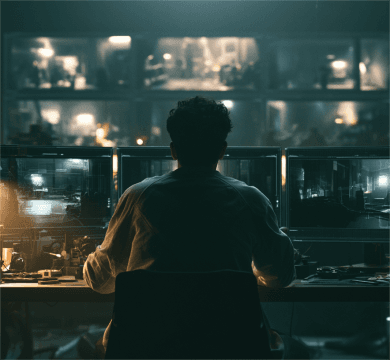
Begin with a brief idea, treatment, scene outline, or complete script. HeyVigo VI can help organize the material into a multi-scene production structure, including characters, dialogue, storyboards, and shot requirements.
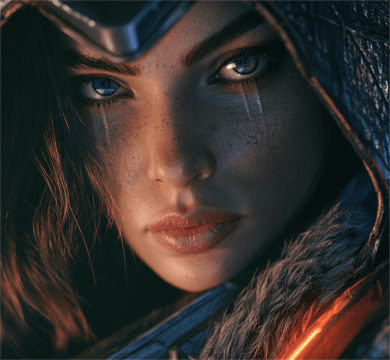
Store character images, locations, products, style references, and other approved materials in the project asset library. Reuse those references when preparing later shots so the team knows which face, wardrobe, environment, prop, or visual treatment should remain stable.
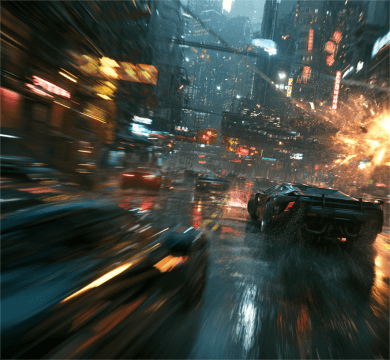
A quiet dialogue scene, a fast action shot, and a stylized transition may require different generation strengths. HeyVigo brings leading images, videos, and voice capabilities into the same production environment so creators can compare model information and choose the right path for the task.
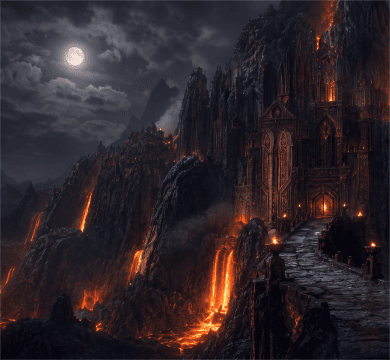
You can start your AI movie generation with different materials. Generate a new shot from a written description, animate a character or environment image, guide a transition with first and last frames, combine multiple visual references, or transform existing footage.
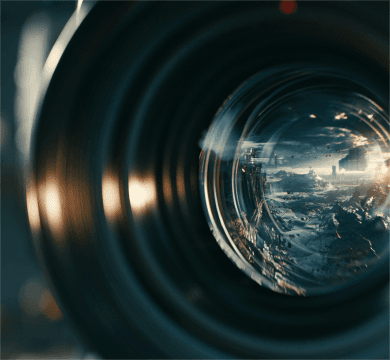
When one film scene needs work, you should not have to restart the entire movie. Review the prompt, source assets, generated results, comments, and version status for an individual shot. Adjust the direction, produce another version, and keep approved material in place.
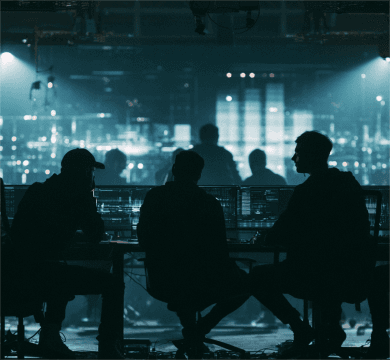
HeyVigo connects video production with voice and audio capabilities, including multilingual text-to-speech and supported voice workflows. Besides, team members can invite directors, artists, operators, editors, project owners, or clients to the same workspace so that everyone can follow progress, review versions, and check the shot process.
HeyVigo brings leading AI models into one AI video workflow.
Write a prompt, paste a scene outline, or upload a script.
Break the story into scenes and shots.
Describe the subject, action, setting, lighting, composition, and camera movement.
Choose an appropriate model and generate a reviewable result.
Organize the approved shots, voices, and supporting assets.
Bring your script, characters, visual references, and generated shots into the HeyVigo AI Movie Generator workspace!
Start Creating