HeyVigo PAGE CENTER
Find a clear task path in the AI Ecommerce Video Generator
Explore direct task pages for product showcase, image-to-video, explainer, batch, and Amazon product video workflows.
ECOMMERCEVIDEOProductImageExplainBatchAmazon AI Ecommerce Video Generator is a HeyVigo page hub connecting task-specific pages with video production workflows.
CAPABILITY MAPOne clear capability for every task
5 direct child pages explain inputs, outputs, boundaries, and next steps.
CHOOSE YOUR PATHStart with the current task, then choose a capability
Choose the closest task or scenario to see the matching entry.
Product Showcase Video GeneratorProduct Showcase Video Generator
Review the suitable inputs, target task, and workflow for Product Showcase Video Generator.
View Product Showcase Video Generator INPUT TO OUTPUTFrom inputs to a reviewable result
Every entry explains its inputs, path, and next step.
INPUTConfirm the current need
Define the available input, target page, and task to complete.
ROUTEChoose a page path
Open the capability page that best matches the task.
NEXTContinue to the relevant entry
Move into the matching product, creation, or contact page.
WORKFLOWContinue in four steps
Continue once each step has the minimum information it needs.
- 01
Identify the goal
Choose the entry that best matches the current task.
- 02
Review the goal
Define the team, inputs, outputs, and delivery goal.
- 03
Confirm boundaries
Review input requirements, output forms, and limitations.
- 04
Continue
Move into a product, creation, or support flow.
PRODUCT EVIDENCECapabilities return to project production
Product interfaces show how capabilities enter tasks and projects.
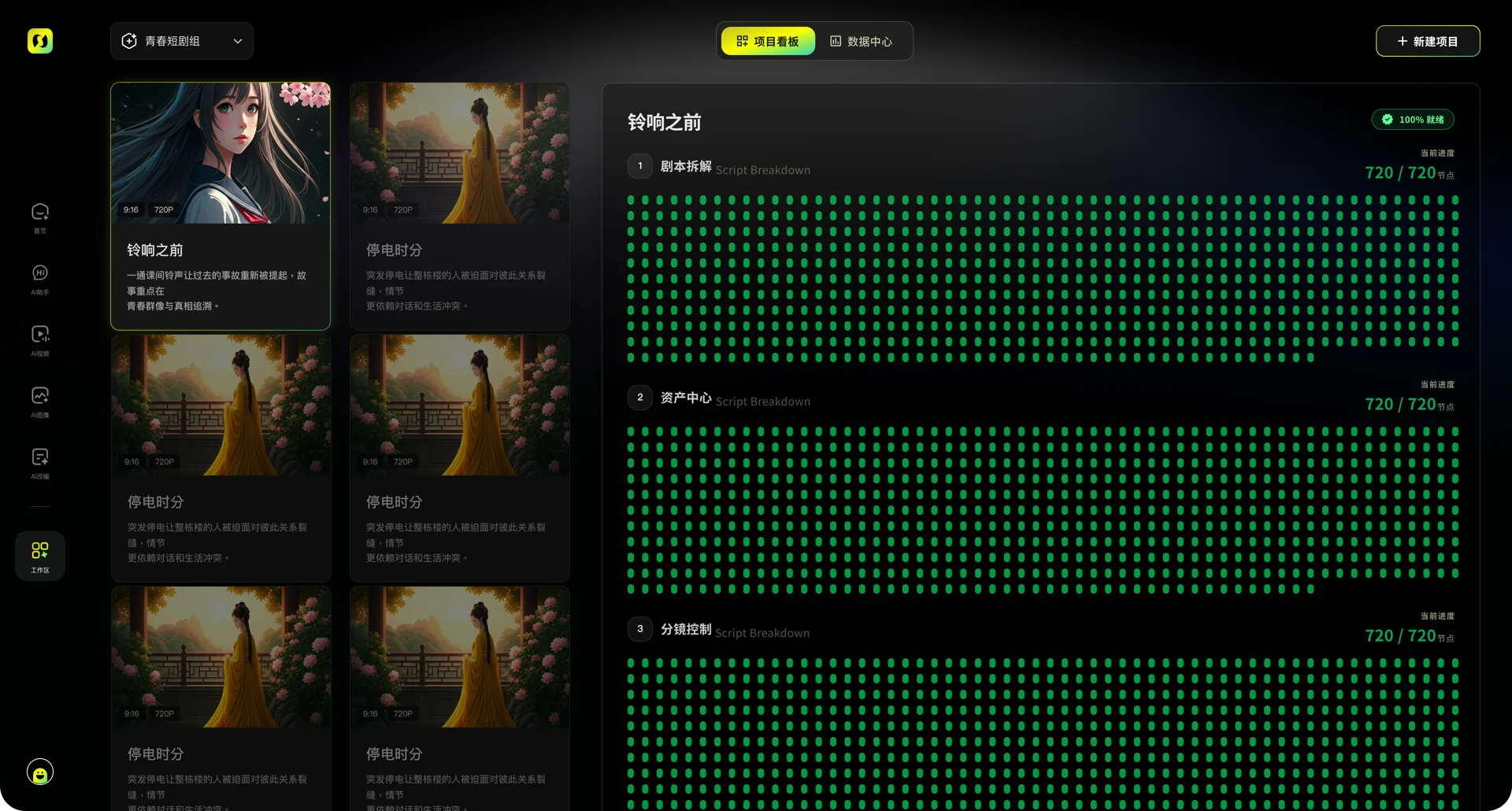 WORKSPACE VIEW
AI Ecommerce Video Generator workspace
Shows how inputs, tasks, and results are organized.
 OUTPUT VIEW
AI Ecommerce Video Generator result
Shows how results can be previewed and continued.
CONTINUE EXPLORINGContinue into related production workflows
Related entries preserve the current task context.
FAQ
AI Ecommerce Video Generator FAQs
Use it to choose a video production capability from the current inputs and task goal.
Prepare available material, the target audience, output requirements, and any product or brand facts that must remain accurate.
Choose a detail page, review its inputs and boundaries, then continue into the existing creation flow.
Review subject accuracy, visual quality, the task goal, and delivery requirements.
Use a direct child page or related entry without starting a duplicate generation from the hub.
CHOOSE A CREATIVE PATHContinue from AI Ecommerce Video Generator
Choose the page that matches the current task, then continue into creation or a project.
Start creating