Input types
Prepare a task description and available reference assets.
AI MODEL
Seedance 2.0 helps teams organize inputs, task requirements, generation steps, and result review around a creative goal.
Seedance 2.0 can be one model option for video or image tasks, connecting input preparation, generation control, result review, and project reuse.
Prepare a task description and available reference assets.
Define the target visuals, duration, and intended use.
Add subject, scene, style, shot, and continuity requirements.
Review subject consistency, action, visual quality, and delivery requirements.
Choose a task type that matches the content goal.
Keep the task description and reference assets together.
Define visuals, duration, style, and shot requirements.
Check whether subjects, scenes, and continuity remain stable.
Move results into project review and delivery.
Keep results that can be adjusted or reused in later tasks.
Quickly validate a creative direction and visual expression.
Organize inputs and generation requirements for one shot.
Prepare reviewable image or video assets for a project.
Keep tasks, results, and feedback in one project workflow.
Define the content goal, use, and delivery requirements.
Organize the task description and reference assets.
Select inputs, parameters, and output settings for the task.
Review quality, consistency, and how the result will be used.
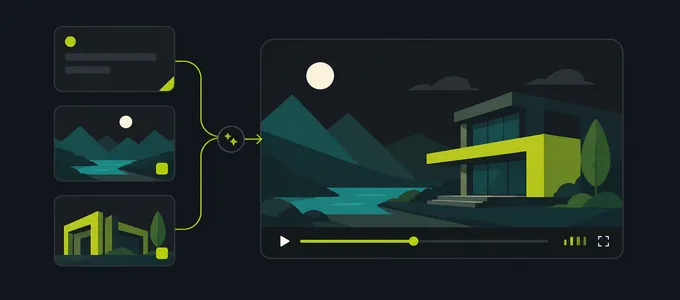
Shows how inputs and settings are organized for a model task.

Shows how generated results can be previewed and reviewed.
Confirm the models and parameters shown in Create before starting.
Describe the subject, scene, action, and output requirements.
Review consistency, clarity, and task completion after generation.
Adjust inputs, parameters, or requirements based on page feedback.
Compare other models in the model center or enter the creation workflow to start a task.
View model center